Patching, explained
How to use xDelta Patcher
Choose the matching original, apply your patch and save a separate result. Here’s what to select and what to check along the way.
What you need
- The exact original file specified by the patch creator, and permission to use it.
- The matching
.xdeltapatch, either as a file or inside a ZIP. - A browser that supports this tool, with enough memory and space for the result.
Read the patch instructions first. Check the region, revision and whether it requires an unmodified original or a previously patched version. If you’re new to the format, see how an xDelta patch uses the original.
Step 01
Choose the original and patch
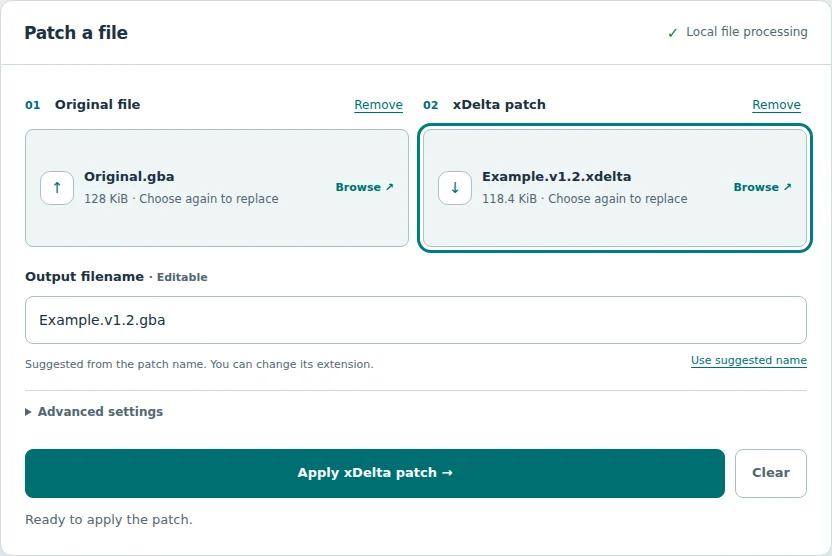
Open the patcher. Under Original file, select the file the patch expects. Its name can end in .gba, .gbc, .nds, .iso or any other extension—or have no extension.
Under xDelta patch, select the .xdelta file. If you choose a ZIP, the tool reads it automatically; see the ZIP selection details below. Renaming another patch format to .xdelta does not convert it.
Step 02
Check the name, then apply
The suggested Output filename comes from the patch name, usually with the original’s extension. For example, Hack.xdelta with Original.gba suggests Hack.gba. You can edit the entire name, including its extension; follow the creator’s instructions for the result.
Select Apply xDelta patch and keep the tab open. The status describes each phase. Cancel patching stops the operation and retains your selections for another attempt.
Step 03
Save and check the result
When processing finishes, the tool requests a download. If it does not start, select Download file. Check your browser’s download list or chosen save folder; the website cannot confirm where your browser saved it.
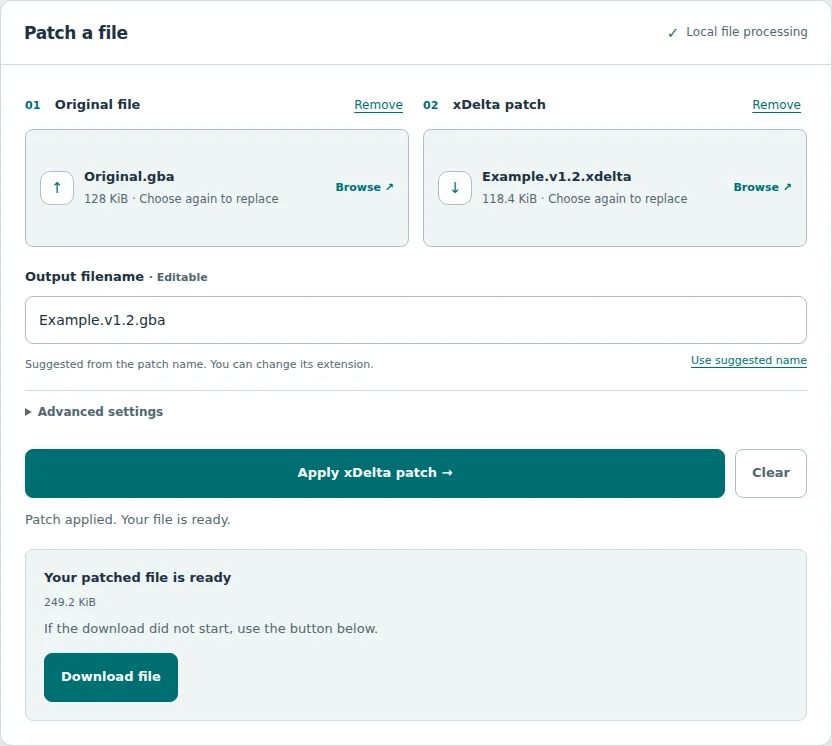
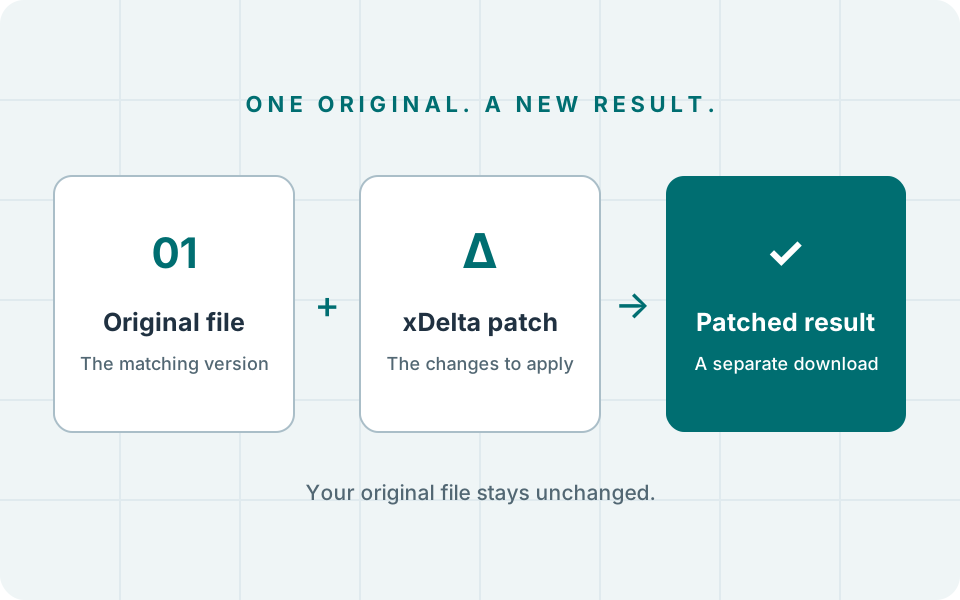
Your original stays unchanged. Keep it, check any output hash supplied by the creator and follow their instructions for using the result. A valid patch can create a file larger or smaller than its source; size alone does not confirm success.
Using files inside a ZIP
Select a ZIP directly. The tool reads the archive as soon as you choose it.
- One suitable original file: it is extracted automatically. You’ll see its filename in the original selector.
- Several files: choose the exact entry the patch needs. Filenames, uncompressed sizes, filtering and pages help you find it. Moving a selected file out of view clears the selection.
- Documentation: README and license files remain available to select; they are not silently preferred. A ZIP containing only a recognizable documentation file asks you to confirm the choice. A .txt file can still be a valid source.
- Archive metadata: directories, .DS_Store, Thumbs.db, desktop.ini and AppleDouble entries inside __MACOSX are ignored when listing choices.
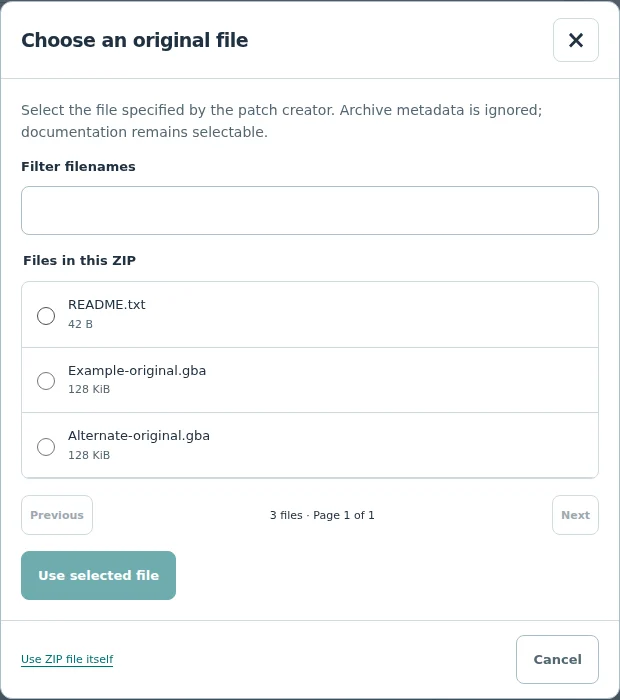
The selected original ZIP stays available below its file selector. Use Choose a different file inside to reopen it. Choose Use ZIP file itself only when the patch was created against that archive’s raw bytes; using a member and using the ZIP itself are different inputs.
For a patch ZIP, one eligible .xdelta file is extracted automatically. If several patches are present, choose the version you need. A ZIP is a container, not an additional patch format.
Password-protected entries, unsafe paths, damaged archives and files beyond the extraction safeguards cannot be extracted here. Obtain a valid archive or extract a permitted file on your device. RAR and 7z also need a separate extraction tool when you want a file inside them. If ZIP processing stops, use Read ZIP again or cancel and select another archive.
If something goes wrong
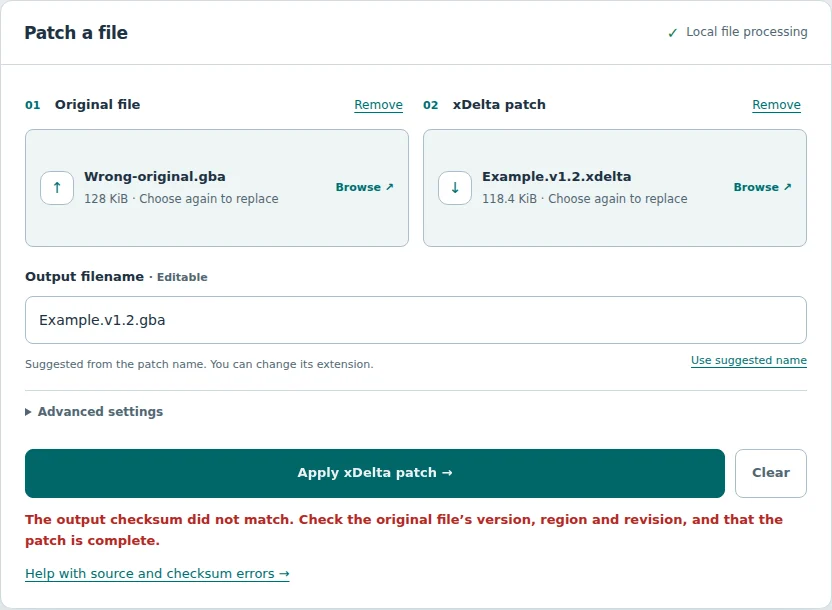
- Checksum mismatch
- Check the original’s region, revision and the selected ZIP entry. Follow the checksum checks before considering a bypass.
- Patch could not be read
- Confirm the file is a complete xdelta patch. Obtain a fresh copy from the creator if necessary.
- Memory or size error
- Output and each extracted ZIP entry are capped at 512 MiB. Browser memory may run out sooner. Close other tabs, try a device with more memory or use a desktop xdelta patcher for larger targets.
- No download
- Use Download file and check your browser’s download permissions. Keep the tab open until the file is saved.
Keep reading