
Patching, explained
xDelta Patcher guides
From choosing the right original to saving the finished file. Find the steps you need, with the patcher’s actual controls in view.
Start here
Help for the task at hand
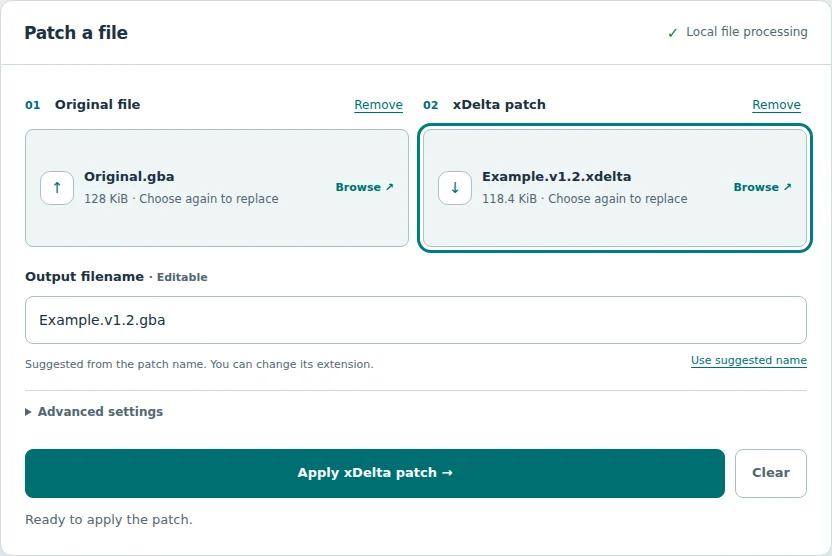
How to use xDelta Patcher
Select your original and patch, choose ZIP entries and save the output.
Read the guide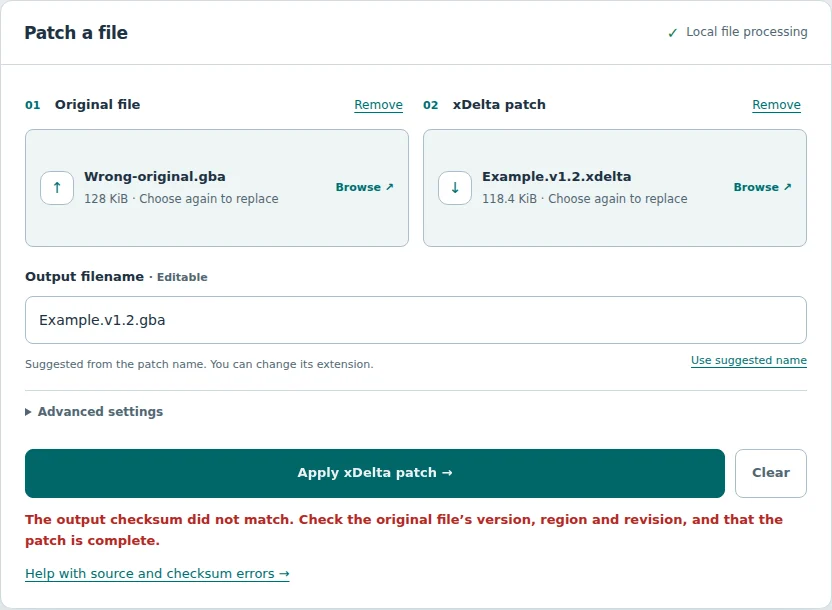
Fix an xDelta checksum mismatch
Check source versions, file hashes and ZIP selections when validation fails.
Read the guideNew to patch files?
Understand what you’re applying.
A patch contains changes, not the finished file. Learn why the original version matters.
What is an xDelta file? →Already have your files?
The online tool keeps your original unchanged and offers a separate result to download.
Open the patcher